Codex officially spans more than the terminal
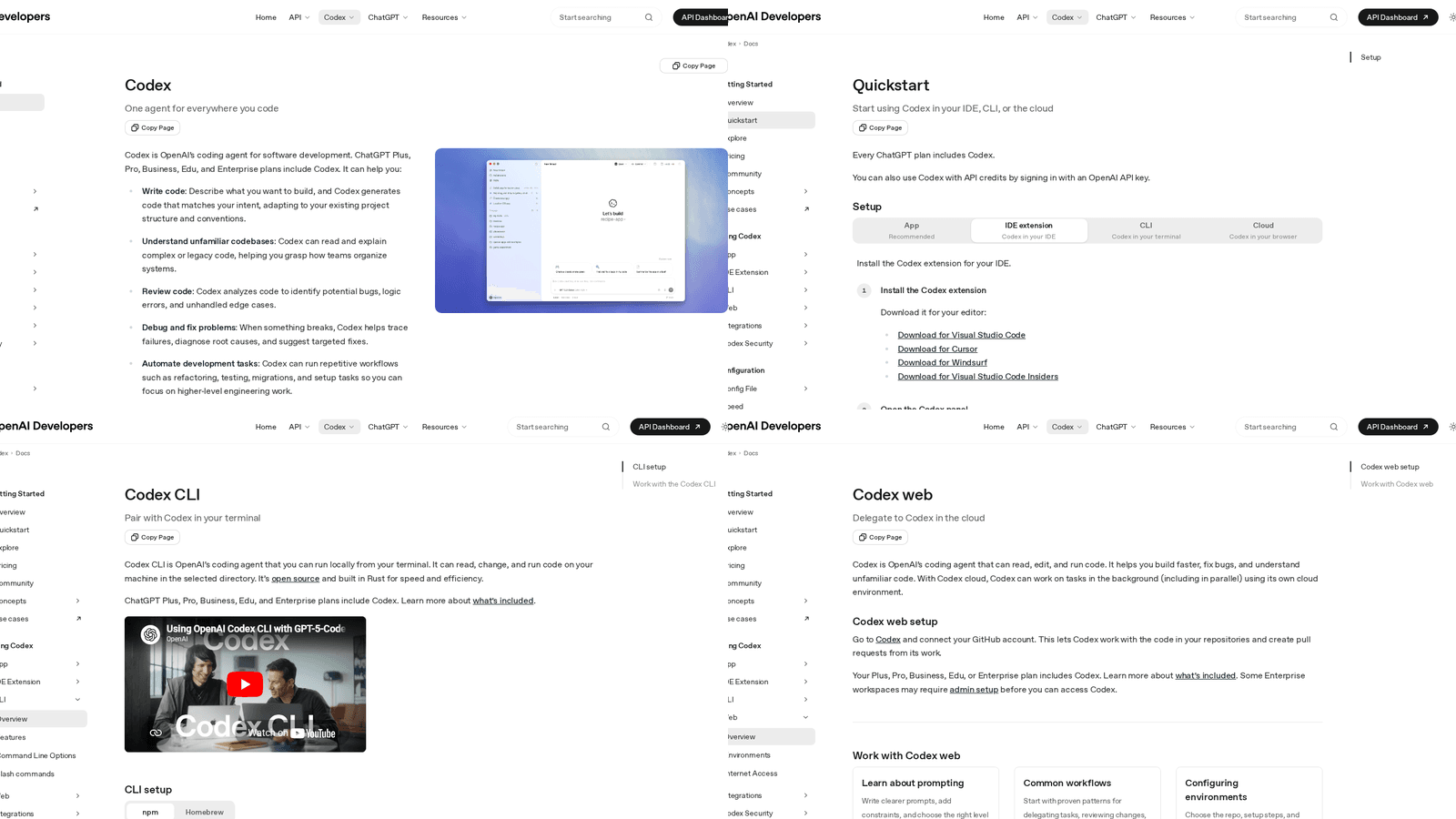
The strongest reason to take the Codex app seriously is that OpenAI no longer positions Codex as a terminal-only tool. The current quickstart page describes Codex across the app, IDE extension, CLI, and cloud. The same documentation says the Codex app is available on macOS with Apple Silicon, while the CLI is supported on macOS, Windows, and Linux.
That matters because it means the product itself is now shaped around different working surfaces, not one canonical shell experience with everything else treated as an afterthought.
Why the app tends to win for publishing workflows
Publishing work is rarely just edit a file and exit. It usually involves article draft review, image handling, browser verification, source checking, and a final pass over the live result. In our own marksmith.dev workflow, a good publish step often includes gathering current docs, preparing structured HTML, attaching a topical cover, and then checking the public page afterwards.
OpenAI's own Codex cloud documentation reinforces that broader shape. The product is explicitly framed around delegating work, monitoring progress in real time, and creating a pull request directly when the job is done. That is not a claim that the app is always superior. It is an inference from the product surfaces OpenAI now supports: when the task spans content, assets, review, and orchestration, a broader interface usually fits better than a terminal-only loop.
Key insight: the Codex app advantage is not magic model quality. It is workflow surface area. The wider the task, the more valuable the extra context and review affordances become.
Where the CLI still wins
The CLI remains the cleaner tool for terminal-native work. If the job is mostly shell commands, local scripts, quick repository edits, and tight feedback loops, the CLI is still hard to beat. OpenAI's CLI documentation is honest about that framing: it is Codex in your terminal, and that is exactly why engineers like it.
The mistake is treating that strength as universal. A publishing workflow is not only a code-editing workflow. It is also a content, asset, and verification workflow.
The practical split
If the terminal is the centre of gravity, use the CLI. If the task spans files, images, browser checks, longer-running review cycles, and multiple connected systems, the app makes more sense.
That is the real reason the Codex app beats the CLI for publishing work. Not because the CLI is weak, but because real publishing pipelines are broader than the terminal. OpenAI's current docs already show that Codex now lives across app, CLI, and cloud surfaces. Publishing is exactly the kind of job where the broader surface wins.
Cover imagery sourced from OpenAI's official Codex quickstart page.